
Guides and updates about converting and managing your files.
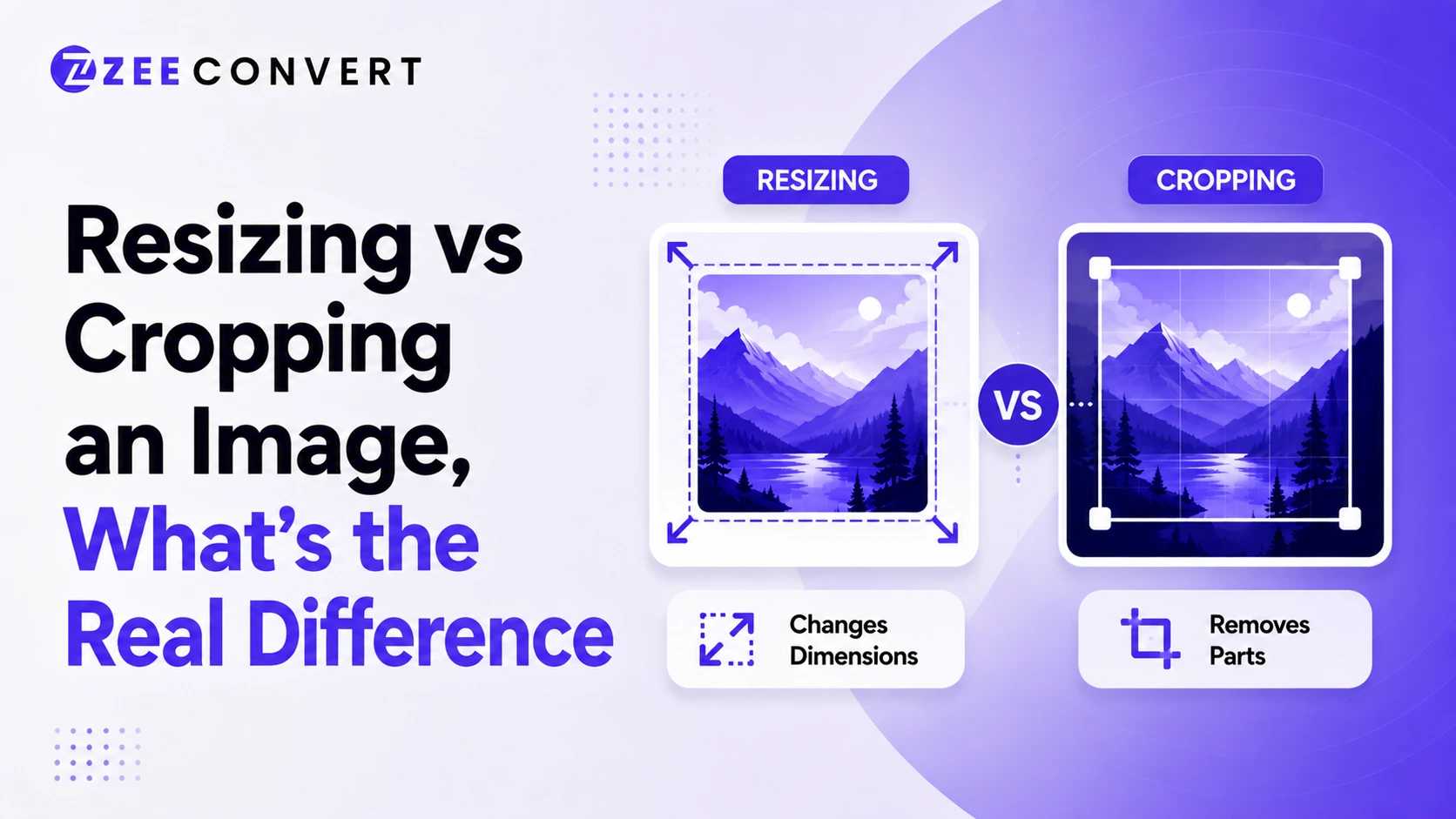
Resizing changes how big an image is without touching what's inside it. Every pixel from the original photo survives, just scaled up or down. Cropping does the opposite. It cuts pixels away entirely, so part of the photo is gone for good, but what's left can sit exactly where you want it in the frame. Need the whole scene to survive at a smaller size? Resize. Need to change what's actually visible? Crop.
Read more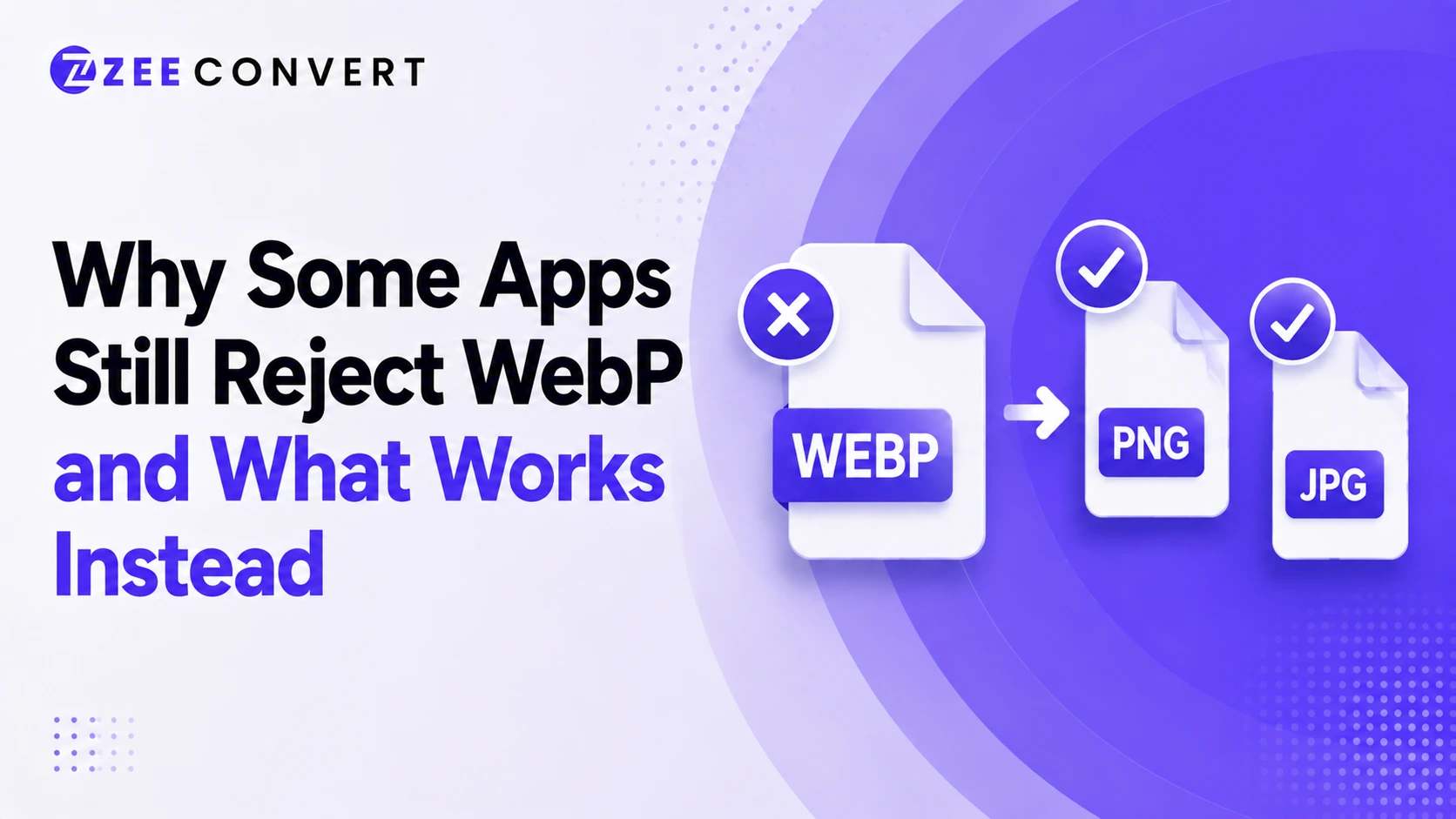
You saved an image, tried to open it or upload it somewhere, and got nothing. Or a vague error that doesn't even name WebP as the problem. That's usually what's going on. The app either doesn't fully understand WebP yet or only understands part of it, and the fix is almost always converting to JPG or PNG depending on what the image needs to do.
Read more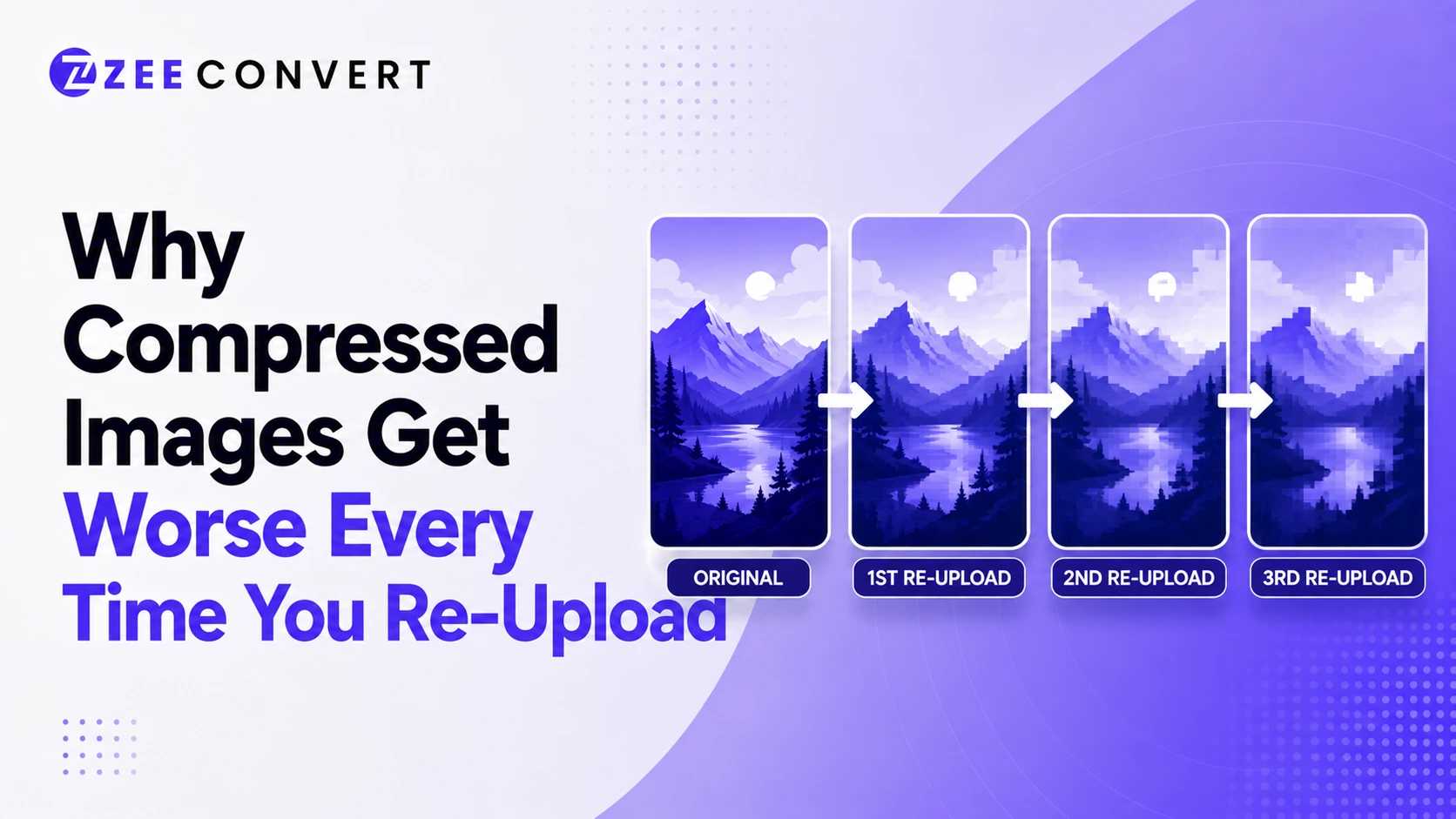
Every time an image gets compressed again, it loses a bit more detail for good. Doesn't matter if that's you resaving it or WhatsApp quietly reencoding it the moment you hit send. One compression pass barely shows. Five or six passes, especially across different apps, and you end up with mushy edges and blotchy colors that weren't there before. Save an image once from the original and you're fine. The damage comes from the same file getting downloaded, reuploaded, and recompressed somewhere new, over and over.
Read more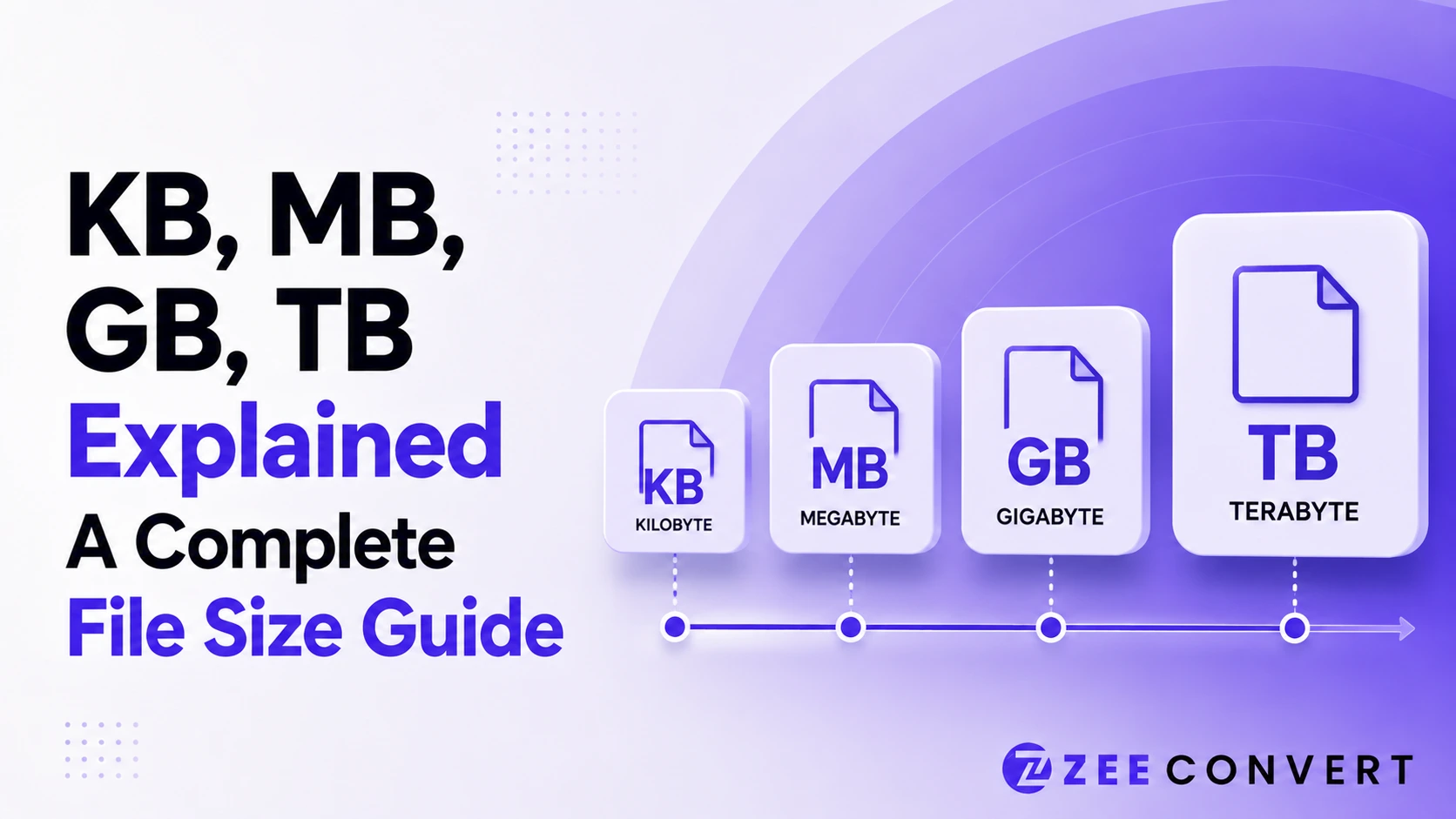
A byte is the smallest real unit you deal with, and everything above it just multiplies by 1,024. A kilobyte is 1,024 bytes, a megabyte is 1,024 kilobytes, a gigabyte is 1,024 megabytes, and a terabyte is 1,024 gigabytes. That's the whole system in one line. The confusing part isn't the math, it's that some companies count in steps of 1,000 instead of 1,024, which is why a 1 terabyte drive shows up as roughly 931 gigabytes on your computer and why a file that looked small in one app suddenly blows past an upload limit somewhere else.
Read more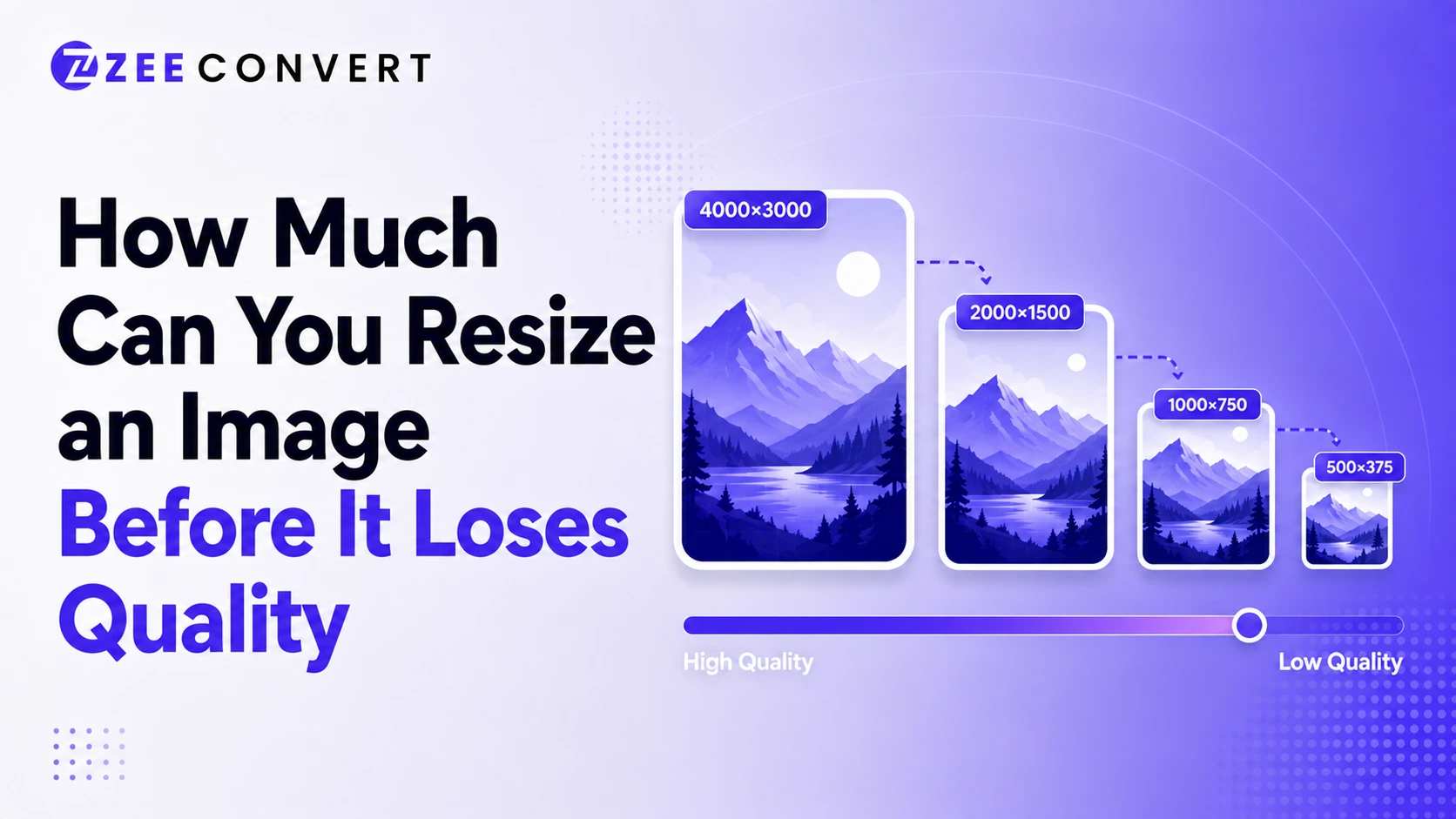
Shrinking an image down almost never causes visible quality loss, even at pretty extreme ratios, because you're just removing pixel information the display doesn't need anyway. Enlarging an image is a completely different story though. Anything past roughly 110 to 120 percent of the original size starts introducing visible softness, and by 150 percent most images look noticeably blurry or blocky. The real answer depends on which direction you're resizing, what the image contains, and what format it started as.
Read more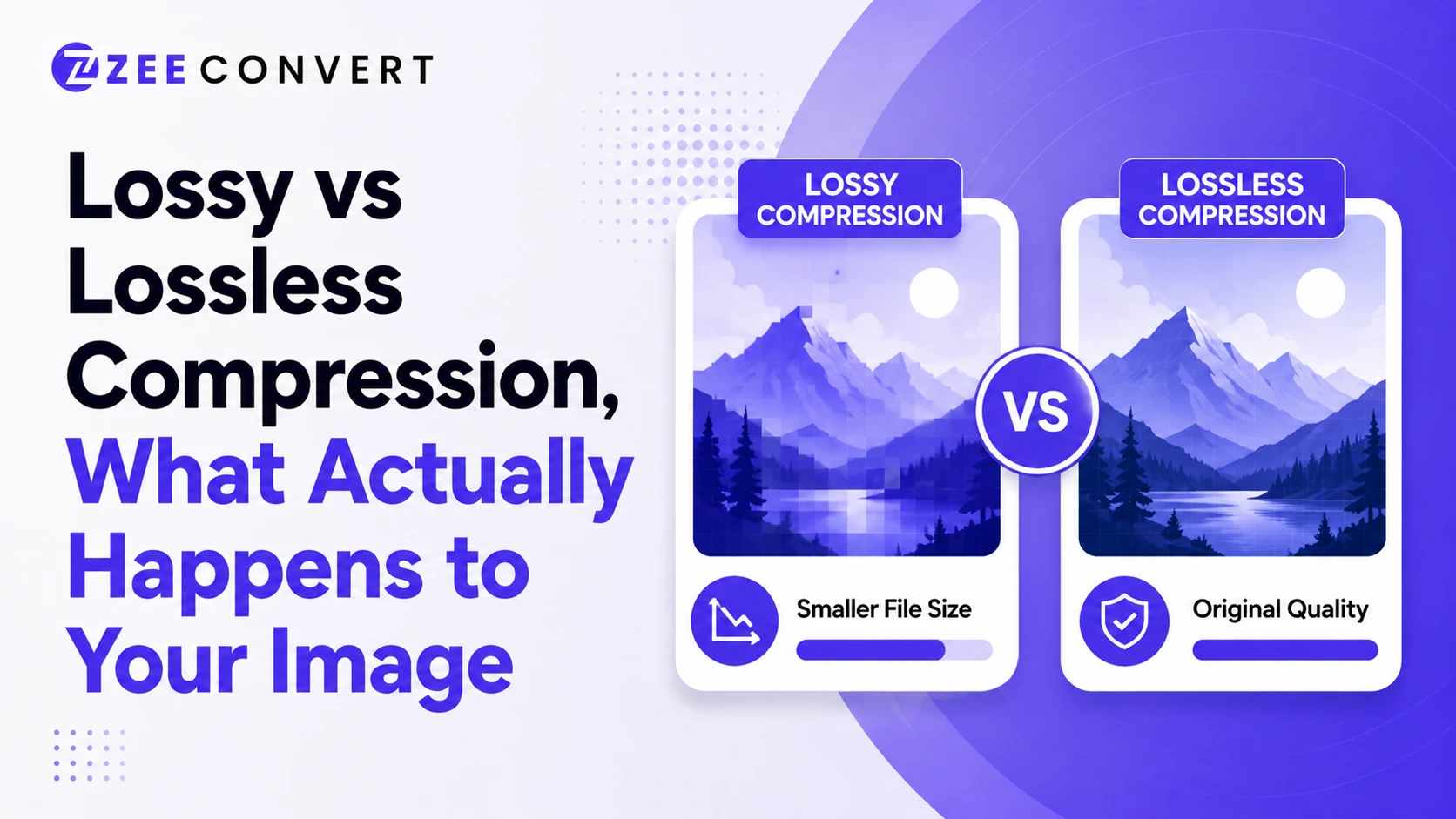
Lossy compression throws away pixel data your eyes probably won't miss, which shrinks the file a lot but means you can never get that exact data back. Lossless compression rearranges and packs the existing data more efficiently, so the file gets smaller without losing a single pixel, though the savings are usually modest. JPG is the classic lossy format. PNG is the classic lossless one. Once you understand that one core difference, most confusing behavior around image quality and file size starts making sense.
Read more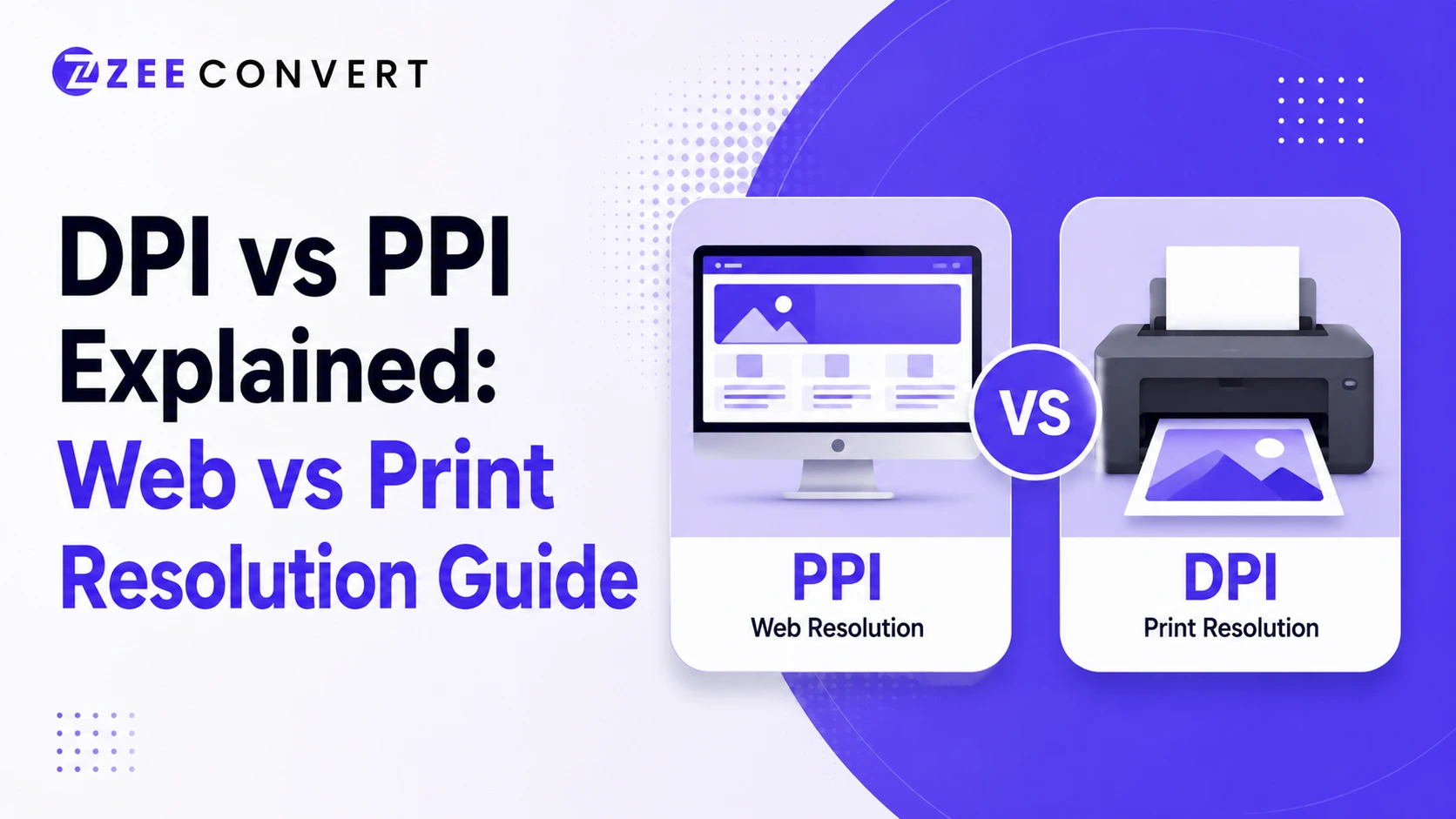
For anything going on a screen, PPI is basically meaningless and the only number that actually matters is pixel dimensions, like 1920 by 1080. For anything going to a printer, DPI is what determines sharpness, and 300 DPI is the standard target for anything you want to look crisp on paper. Most confusion around this topic comes from software labeling both numbers as "resolution" when they're solving two completely different problems.
Read more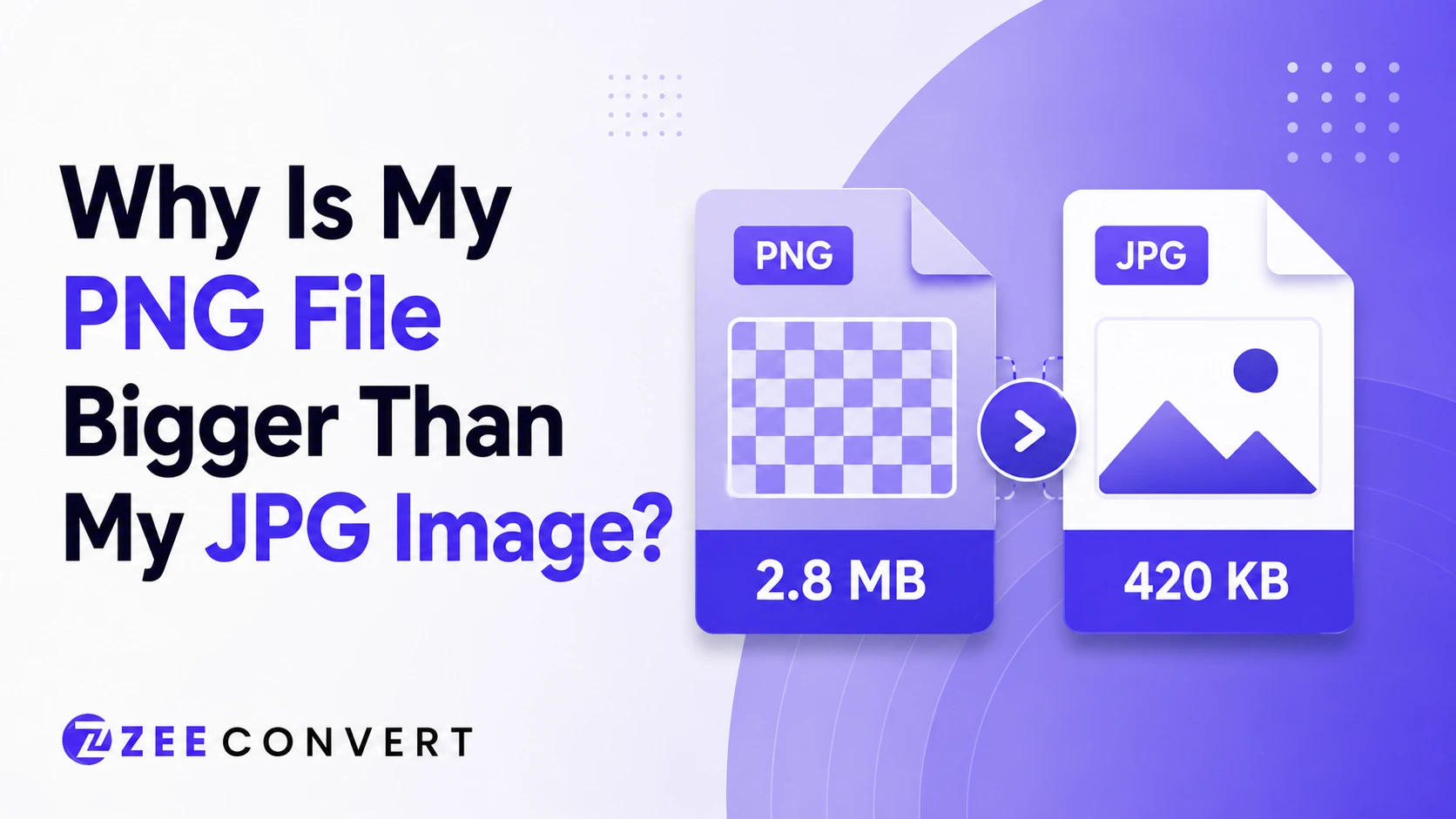
PNG is bigger than JPG because it doesn't throw away any pixel data during compression, while JPG does. That's really the whole story. PNG keeps every single pixel exactly as it was, which is great for sharpness but terrible for file size, especially with photos. JPG sacrifices a small amount of visual accuracy you'll probably never notice, and in exchange the file shrinks dramatically. Same image, two completely different philosophies.
Read more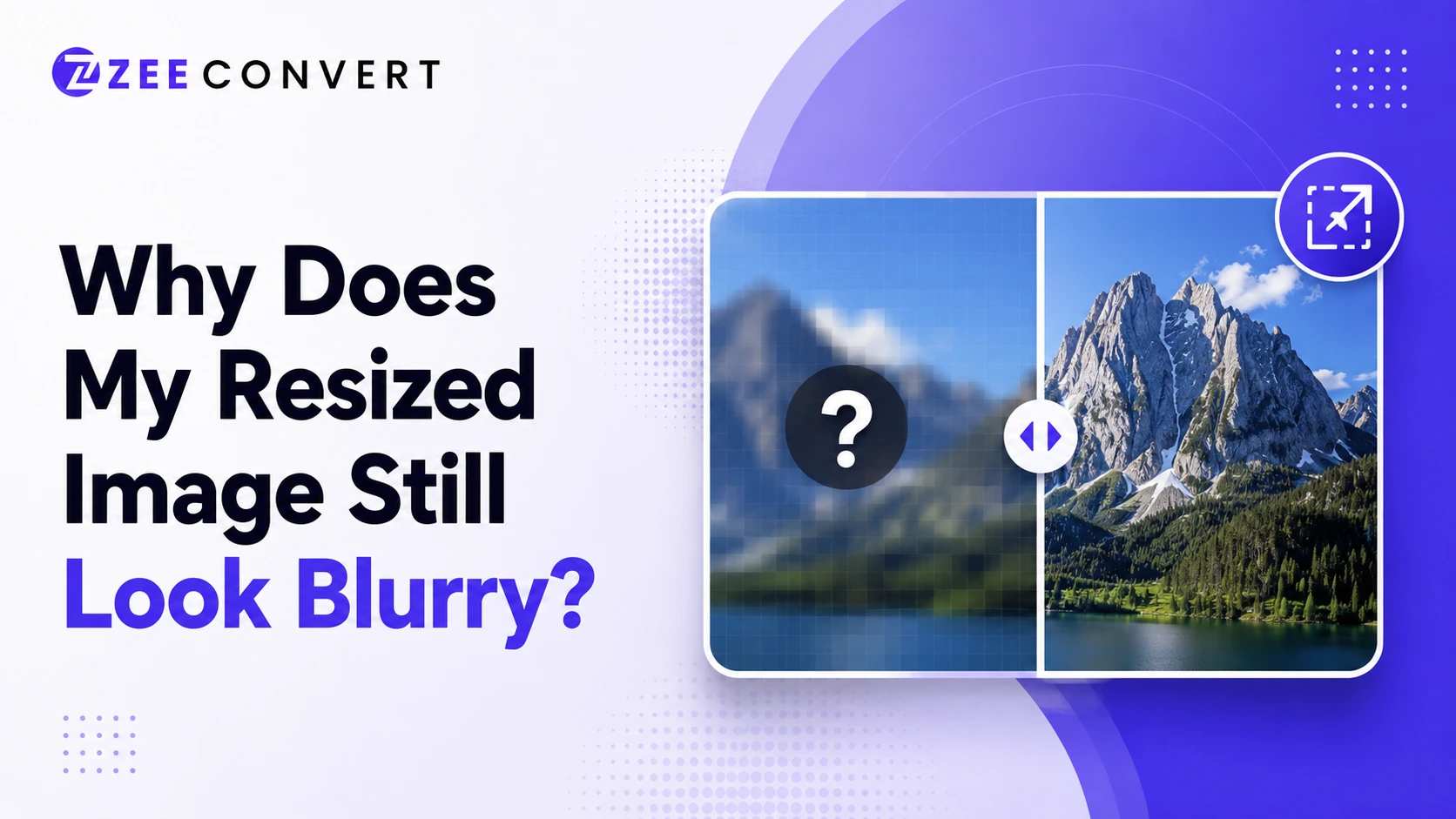
Your resized image looks blurry because you scaled it up past its original resolution, or the resizing tool used a weak interpolation method that guesses pixels instead of preserving real detail. Scaling a small image up always loses sharpness, since there's no extra data to pull from; the software is just stretching what already exists. If you're shrinking an image down and it still looks soft, the tool is probably applying compression on top of the resize, or skipping a sharpening pass that good resizers usually include.
Read more
Use JPG for photos. Use PNG when you need transparency or crisp text and logos. Use WebP whenever the platform allows it, because it usually gives you the smallest file at the same visual quality as the other two. That one decision alone fixes a big chunk of slow loading websites.
Read more