
ZeeConvert·Aug 22, 2026·4 min read
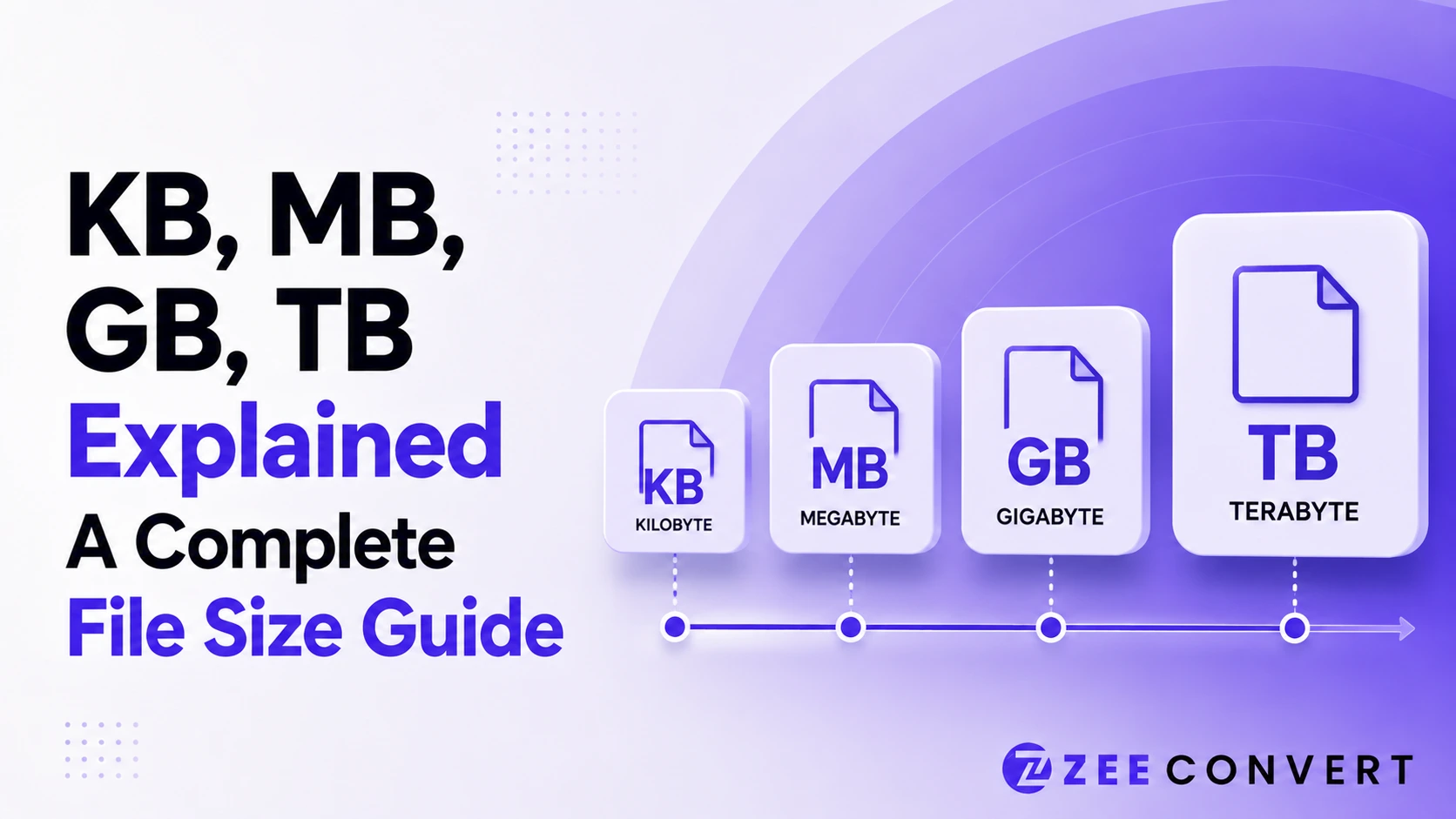
A byte is the smallest real unit you deal with, and everything above it just multiplies by 1,024. A kilobyte is 1,024 bytes, a megabyte is 1,024 kilobytes, a gigabyte is 1,024 megabytes, and a terabyte is 1,024 gigabytes. That's the whole system in one line. The confusing part isn't the math, it's that some companies count in steps of 1,000 instead of 1,024, which is why a 1 terabyte drive shows up as roughly 931 gigabytes on your computer and why a file that looked small in one app suddenly blows past an upload limit somewhere else.
You'd expect kilo to mean 1,000, the same way it does with kilometers or kilograms. And in the strict scientific sense, it does. But computers count in powers of two, not tens, because that's how binary works.
1,024 is 2 to the power of 10. Not round to a human, but very round to a machine. So early on, engineers borrowed the word kilobyte to mean 1,024 bytes instead of a true 1,000, since that number lined up with how memory chips actually worked. The habit stuck. An organization called the IEC tried to fix this in 1998 by introducing separate terms, kibibyte and mebibyte, for the 1,024 based counting. Almost nobody uses those terms day to day, so KB still gets used both ways depending on who built the software you're looking at.
Once you accept a kilobyte is 1,024 bytes, the rest is just repeating that multiplication. A megabyte is 1,024 kilobytes, or 1,048,576 bytes. A gigabyte is 1,024 megabytes, or 1,073,741,824 bytes. A terabyte is 1,024 gigabytes, or 1,099,511,627,776 bytes. You don't need to memorize the exact numbers, just the pattern. Every step up multiplies by 1,024.
This is the most common storage complaint out there, and it's not a defect. Drive manufacturers advertise capacity using the decimal system, the true 1,000 based one, because it's the technically correct SI definition and it makes the number look bigger on the box. So 1 terabyte on the packaging means exactly 1,000,000,000,000 bytes. Your operating system reports that same drive using the binary 1,024 based system instead, since that's how memory addressing actually works internally.
Divide 1,000,000,000,000 by 1,099,511,627,776 and you get about 0.909, which is why your "1 TB" drive shows up as roughly 931 GB. Nothing was lost. You're looking at the same storage measured two different ways.
A capital B means bytes. A lowercase b means bits. Since there are 8 bits in a byte, mixing these up isn't a small rounding error, it's an 8 times difference.
Internet providers advertise speed in megabits per second, written Mbps. File sizes are shown in megabytes, written MB. So a "100 Mbps" plan doesn't download at 100 MB per second. Divide by 8 and you get roughly 12.5 MB per second as a theoretical ceiling, before network overhead or a slow server even comes into it. That gap is usually the real answer behind "why is my internet slower than what I'm paying for."
To go from kilobytes to megabytes, divide by 1,024. A 4,915 KB photo divided by 1,024 comes out to roughly 4.8 MB. To go the other way, multiply by 1,024. That same 4.8 MB photo, multiplied back out, gives you 4,915.2 KB.
If you'd rather skip the manual math, ZeeConvert's KB to MB converter does this instantly.
This catches people off guard constantly, and it's usually not a bug. Your phone's gallery might round a file's size using one counting convention, while the website you're uploading to checks the exact byte count using the other one.
A photo that reads "4.9 MB" in your gallery could genuinely be a few kilobytes over a "5 MB" upload limit once the site measures it with stricter precision. It feels like the math doesn't add up, but you're really just seeing two different rulers measuring the same file.
If you keep hitting size limits like this, running the file through a compressor before uploading is usually faster than guessing which counting system a website uses. ZeeCompress can shrink an image comfortably under most upload limits in a couple of clicks.
Everything multiplies or divides by 1,024 as you move one step up or down the ladder from bytes to kilobytes to megabytes to gigabytes to terabytes. Once that clicks, every mismatched drive capacity, confusing file size, and slow download makes a lot more sense.
Previous
How Much Can You Resize an Image Before It Loses Quality
Next
Why Compressed Images Get Worse Every Time You Re-Upload
JPG to PNG Converter
Convert JPG photos to PNG so repeated editing and saving stops eating away at the picture.
Image DPI Converter
Change the DPI stored in a JPG, PNG, TIFF or BMP, keeping either the pixels or the printed size.
Image DPI Checker
Read the DPI stored in an image and see the size it prints at, without changing the file.
PNG To ICO Converter
Turn a PNG into a ready-to-use ICO icon for your website favicon or a Windows shortcut. Free and handled entirely in your browser.