
ZeeConvert·Aug 15, 2026·4 min read
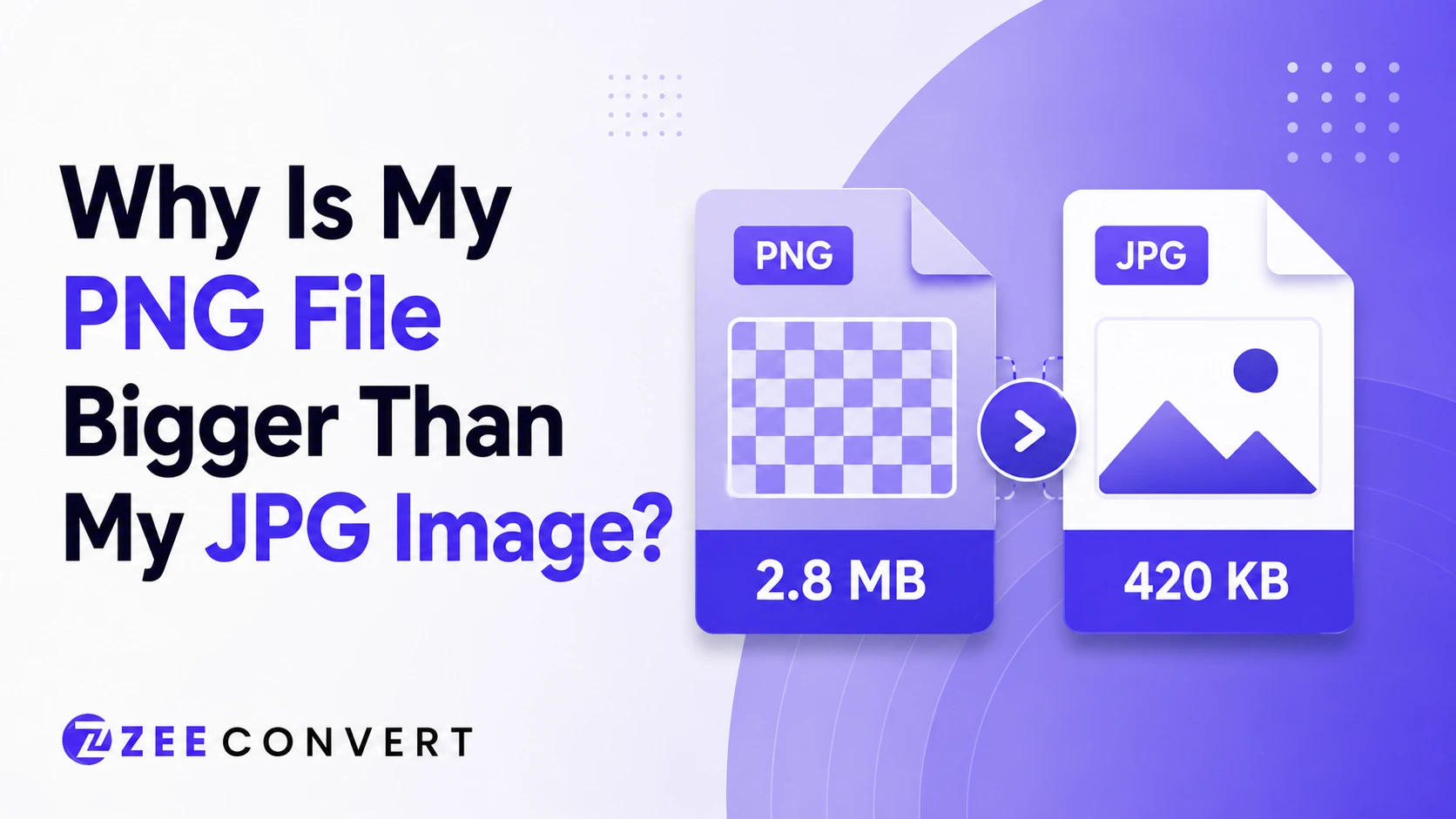
PNG is bigger than JPG because it doesn't throw away any pixel data during compression, while JPG does. That's really the whole story. PNG keeps every single pixel exactly as it was, which is great for sharpness but terrible for file size, especially with photos. JPG sacrifices a small amount of visual accuracy you'll probably never notice, and in exchange the file shrinks dramatically. Same image, two completely different philosophies.
Two formats built for two different jobs, basically. Let's get into where that difference actually comes from.
PNG was designed for precision. Screenshots, logos, graphics with flat colors and sharp lines, anything where losing even one pixel of accuracy would be obvious. Because of that, PNG uses what's called lossless compression. It squeezes the file down using clever math, but nothing gets deleted or approximated. Unzip it and you get back the exact same pixels you started with.
That precision has a price though, and we'll get to that shortly.
JPG works completely differently. It's built specifically for photographs, and it uses lossy compression, which means it deliberately throws away information it thinks you won't miss. Subtle color gradients, tiny amounts of noise in busy areas, little details your eye tends to skip over anyway. All of that gets discarded to make the file smaller.
Photos are actually the perfect target for this kind of trickery. A sunset has thousands of subtle color transitions, and if a few of them get simplified, you'd genuinely struggle to tell. That's why a JPG photo can look nearly identical to the original while weighing a fraction of the size.
Now flip that around and apply it to a PNG style image, like a logo with flat red and white sections. There's no natural noise for compression to hide inside. Every pixel is doing something specific and intentional. Lossless compression respects that. It has to, or the logo would come out looking wrong.
This is exactly why PNG exists as a separate format instead of everyone just using JPG for everything.
Here's where people usually get confused. Try saving a detailed photo as both formats and compare file sizes. The PNG version often ends up two, sometimes three times heavier than the JPG. Not because PNG is a worse format. It's because PNG is refusing to throw anything away, and a photo simply has more data worth discarding than a logo does.
I've seen people assume PNG is just poorly optimized or outdated. It's not. It's doing exactly what it was built to do. The mismatch is using PNG for content it was never really designed for in the first place.
Not exactly, but you should know what you're trading away. If you need a photo to stay perfectly lossless for archival reasons, or you're going to edit it further and don't want compression artifacts stacking up, PNG makes sense despite the size cost. For anything going on a website though, that extra file weight is basically pure downside. It slows your page down for a quality difference nobody browsing your site will ever consciously notice.
One more thing worth mentioning. If your PNG needs transparency, and a lot of them do, that's not something JPG can even offer as an alternative. JPG has zero support for transparent pixels. So sometimes the real comparison isn't PNG versus JPG at all, it's PNG versus WebP, since WebP can handle transparency at a much smaller file size than PNG while still keeping things sharp.
If the image is a photo, save it as JPG or WebP and stop worrying about the PNG size question entirely, since PNG was never the right tool for that job anyway. If it's a logo, icon, or anything needing transparency, keep it as PNG unless your platform accepts WebP, in which case WebP will usually get you a smaller file without giving anything up.
Either way, don't just assume the size difference means something is broken. It's not a bug. It's two formats doing exactly what they were designed to do, and the mismatch only shows up when you use the wrong one for the wrong kind of image.
If you're not sure which direction to go for a specific file, running it through ZeeCompress will show you the size difference across formats instantly, so you can decide based on actual numbers instead of guessing.
Previous
Why Does My Resized Image Still Look Blurry?
Next
DPI vs PPI Explained: Which One Actually Matters for Web vs Print
JPG to PNG Converter
Convert JPG photos to PNG so repeated editing and saving stops eating away at the picture.
Image DPI Converter
Change the DPI stored in a JPG, PNG, TIFF or BMP, keeping either the pixels or the printed size.
Image DPI Checker
Read the DPI stored in an image and see the size it prints at, without changing the file.
PNG To ICO Converter
Turn a PNG into a ready-to-use ICO icon for your website favicon or a Windows shortcut. Free and handled entirely in your browser.