
ZeeConvert·Aug 27, 2026·3 min read
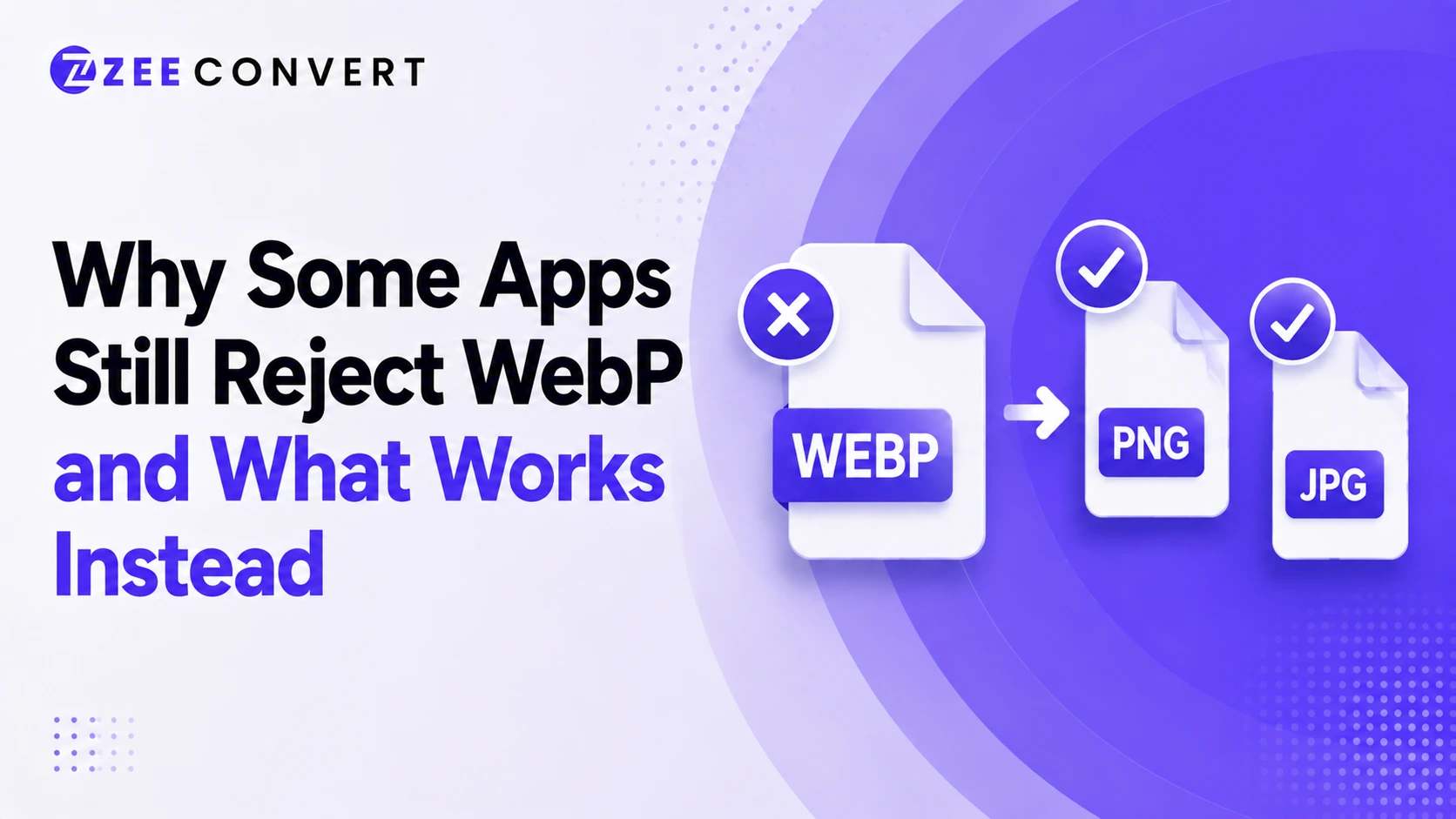
You saved an image, tried to open it or upload it somewhere, and got nothing. Or a vague error that doesn't even name WebP as the problem. That's usually what's going on. The app either doesn't fully understand WebP yet or only understands part of it, and the fix is almost always converting to JPG or PNG depending on what the image needs to do.
WebP's been around since 2010, which surprises a lot of people. It's not some brand new format apps haven't caught up to. The real reason is more specific than "too new," and once you know it, picking the right replacement takes about ten seconds.
Photoshop is the clearest example. Versions before 23.2, released February 2022, can't open WebP at all without a separate plugin. Adobe added full native support eventually, but software sits untouched on people's machines for years, and the app keeps behaving like the format doesn't exist because as far as that install's concerned, it doesn't. Check your version number before assuming the file itself is broken.
An app can technically open a WebP file and still fail you, because opening it and rendering it correctly aren't the same thing. Windows Photos will open an animated WebP fine, except it shows you a single static frame instead of the animation. No error, no warning, it just quietly hands you less than what's really in the file.
This changes what converting really fixes. If your WebP is animated and the destination app only handles static images anyway, converting to JPG or PNG loses you nothing. But if the animation needs to survive, a static export is the wrong move no matter how you compress it.
Email clients are the biggest offender here. Attach a WebP to an Outlook email and depending on the client on the receiving end, it might render as a blank box. The email isn't broken, the rendering engine just wasn't built with WebP in mind, and updating that isn't exactly a priority for anyone. Older desktop viewers and plenty of institutional upload systems that have run the same accepted file list for years fall into this same bucket. Nobody actively decided to reject WebP. It just never got added.
For a regular photo, JPG is the safer default, it's been around long enough that most apps and upload forms handle it without complaint. Nothing's truly universal, but it's the closest thing to a safe bet.
For anything needing a transparent background, a logo, an icon, a clean edged screenshot, go with PNG instead. JPG fills transparency in with a solid color, usually white, and that's rarely what you want.
And if the file's animated and you need the motion to survive, neither JPG nor PNG helps, since both are static by nature. That's the one case where converting to a still image is the wrong call, even though it's the first instinct most people have.
If you're dealing with a WebP right now and just need it converted, the WebP to JPG converter on ZeeConvert handles the static photo case in a few seconds.
Previous
Why Compressed Images Get Worse Every Time You Re-Upload
Next
Resizing vs Cropping an Image - What's the Real Difference
JPG to PNG Converter
Convert JPG photos to PNG so repeated editing and saving stops eating away at the picture.
Image DPI Converter
Change the DPI stored in a JPG, PNG, TIFF or BMP, keeping either the pixels or the printed size.
Image DPI Checker
Read the DPI stored in an image and see the size it prints at, without changing the file.
PNG To ICO Converter
Turn a PNG into a ready-to-use ICO icon for your website favicon or a Windows shortcut. Free and handled entirely in your browser.