

Fast, free, and secure tools to convert, compress, and edit your images, text, and documents.
Convert your images between JPG, PNG, WebP, GIF, AVIF, and more formats in seconds, right in your browser.
Change the DPI stored in a JPG, PNG, TIFF or BMP, keeping either the pixels or the printed size.
Read the DPI stored in an image and see the size it prints at, without changing the file.
Turn a PNG into a ready-to-use ICO icon for your website favicon or a Windows shortcut. Free and handled entirely in your browser.
Find the right tool organized by file type
Convert your images between JPG, PNG, WebP, GIF, AVIF, and more formats in seconds, right in your browser.
View all tools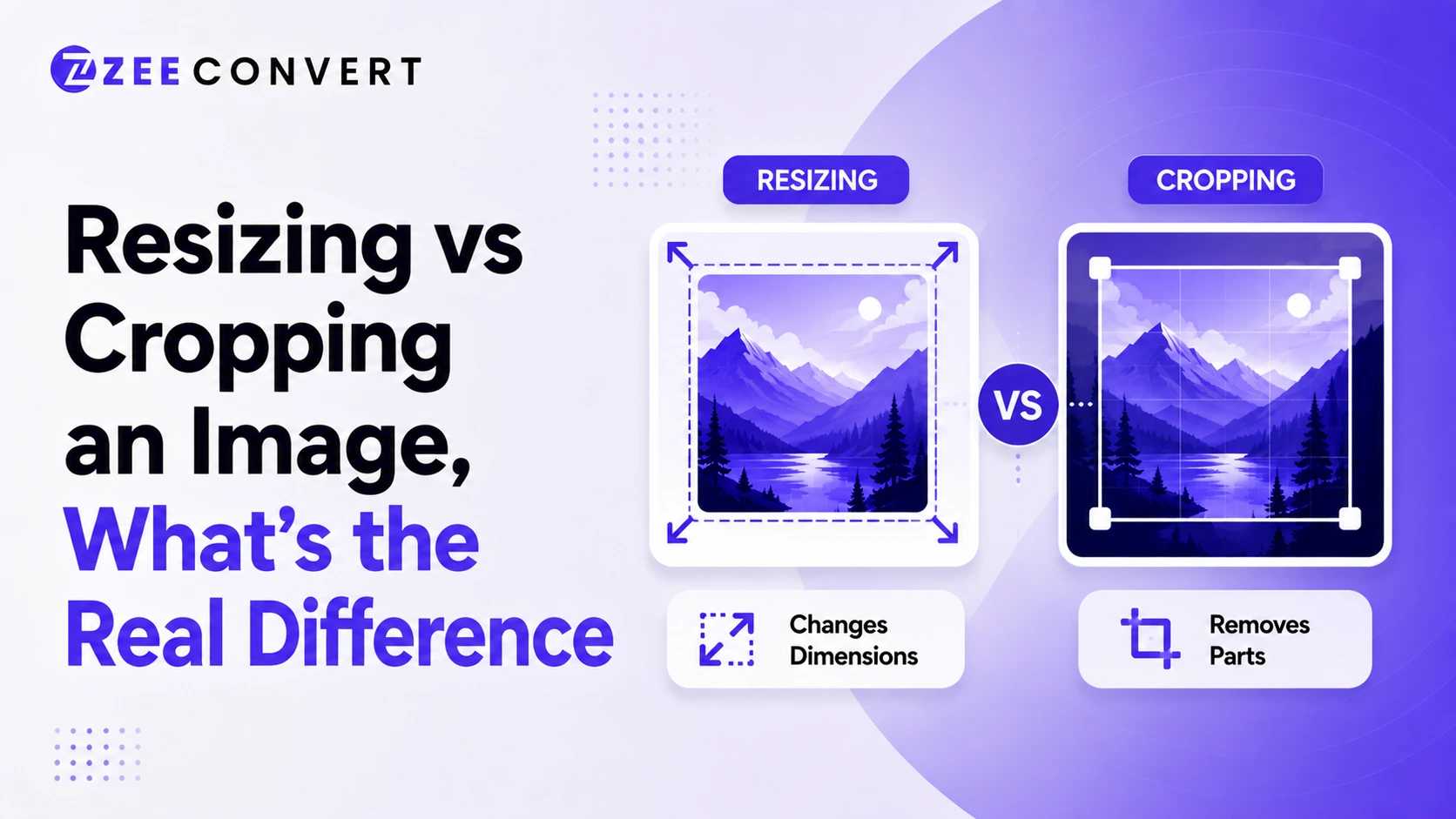
Resizing changes how big an image is without touching what's inside it. Every pixel from the original photo survives, just scaled up or down. Cropping does the opposite. It cuts pixels away entirely, so part of the photo is gone for good, but what's left can sit exactly where you want it in the frame. Need the whole scene to survive at a smaller size? Resize. Need to change what's actually visible? Crop.
Read more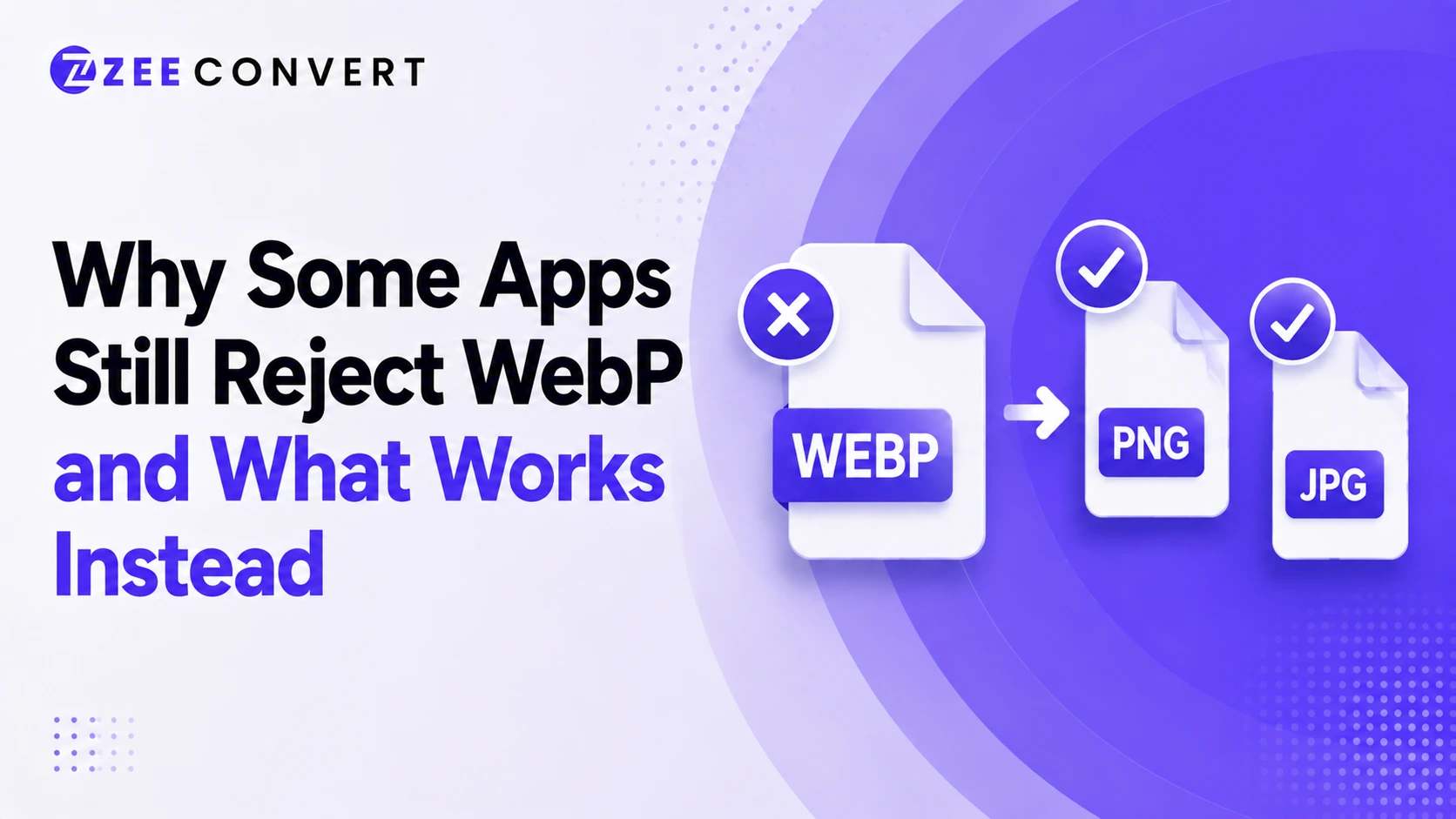
You saved an image, tried to open it or upload it somewhere, and got nothing. Or a vague error that doesn't even name WebP as the problem. That's usually what's going on. The app either doesn't fully understand WebP yet or only understands part of it, and the fix is almost always converting to JPG or PNG depending on what the image needs to do.
Read moreZeeConvert.com is the perfect place to find free and easy-to-use online tools. Whether you need to convert files, compress images, resize photos, crop pictures, or generate creative content, ZeeConvert has got you covered. Everything on this site is available for free, making it a convenient option for everyone.
At ZeeConvert, you can quickly convert files from one format to another. If you have a large image that needs to be smaller, our compressors will reduce the file size without losing quality. Our resizers make it simple for those needing to change the dimensions of an image. If you want to crop a picture to focus on the important parts, our image croppers are easy to use.
This website is designed to be user-friendly. Simply select the tool you need, follow the instructions, and get your result in seconds.
ZeeConvert made compressing my JPG files so simple! The quality remained great, and it saved me a lot of space. Highly recommended!
John D.
A fantastic tool for quickly reducing image size without losing quality. The interface is clean, and the process is fast. Love it!
Sarah L.
It's fast, and easy to use. Thank you so much for an amazing tool.
Michael K.
Convert a JPG photo or logo into an ICO icon file for favicons and Windows shortcuts. Free, fast, and browser-based.
Transform, clean up, and analyze your text.
Convert ASCII text to HEX quickly with our free online tool. Streamline your text conversions and increase your coding projects.
Convert Hex to ASCII quickly with our free online tool. Streamline your text conversions and increase your coding projects.
The best online text tool that allows you to split text into pieces. Just enter your text or upload file and splitting your text easily.
The best online Krutidev to Unicode converter tool that provides accurate and fast results with just a few clicks.
The best online Krutidev to Mangal converter tool that provides accurate and fast results with just a few clicks.
The most accurate Unicode to Krutidev conversion online. Try this conversions with ZeeConvert.
Convert Chanakya To Unicode is very easy and simple by using our free free online tool.
View all tools
Small everyday tools like unit converters and file inspectors.
Turn plain text into stylish Unicode fonts you can copy and paste anywhere.
Turn plain text into stylish Unicode fonts you can copy and paste anywhere.
View all tools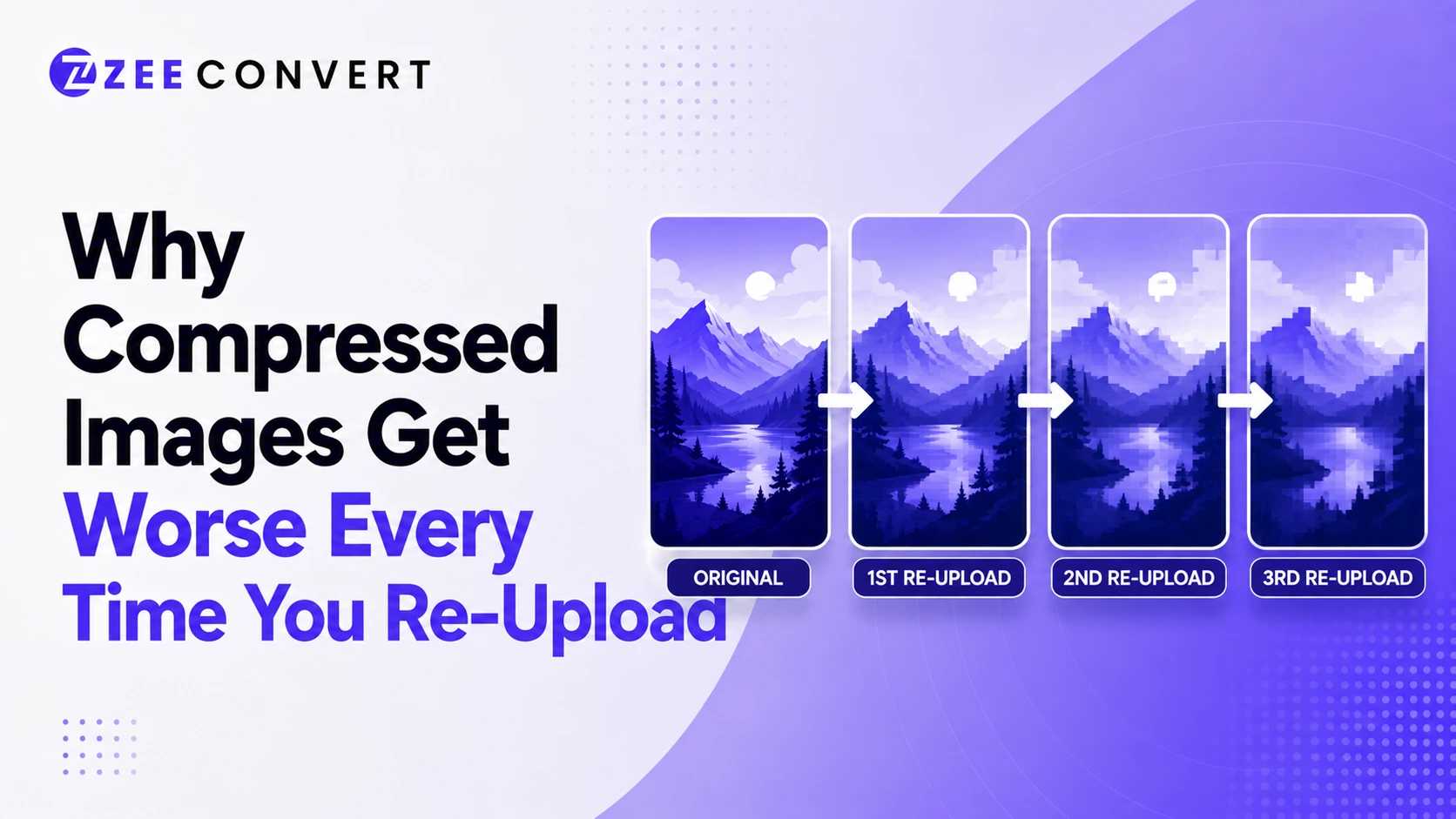
Every time an image gets compressed again, it loses a bit more detail for good. Doesn't matter if that's you resaving it or WhatsApp quietly reencoding it the moment you hit send. One compression pass barely shows. Five or six passes, especially across different apps, and you end up with mushy edges and blotchy colors that weren't there before. Save an image once from the original and you're fine. The damage comes from the same file getting downloaded, reuploaded, and recompressed somewhere new, over and over.
Read more